Why Does Adding I/O Racks Feel So Complicated?
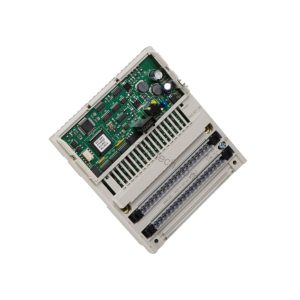
Every control engineer has faced the same problem. Your Modicon PLC project grows, and one rack is no longer enough. You need to connect additional racks without disrupting the existing I/O layout. The BMXXBE1000 from Schneider Electric solves exactly that problem. This Modicon X80 X-bus expansion module links multiple racks through a dedicated right-end XBE slot. It does not occupy slots 00-11, so your existing I/O configuration stays untouched.
This module is part of the Modicon X80 series, the shared I/O platform for both M340 and M580 controllers. That shared design matters for buyers. It means one spare part supports two major controller families, which simplifies stockholding and reduces downtime risk.
What the BMXXBE1000 Actually Does
The BMXXBE1000 is an X-bus expansion module. Its function is straightforward: it provides the X-bus connection between multiple racks. Two 9-pin SUB-D connectors handle X-bus in and out traffic. Front-panel indicators keep commissioning simple. You get RUN status, COL status, and rack address LEDs numbered 0 through 3. These LEDs let technicians confirm rack addressing and bus health at a glance, without opening the cabinet or connecting a programming terminal.
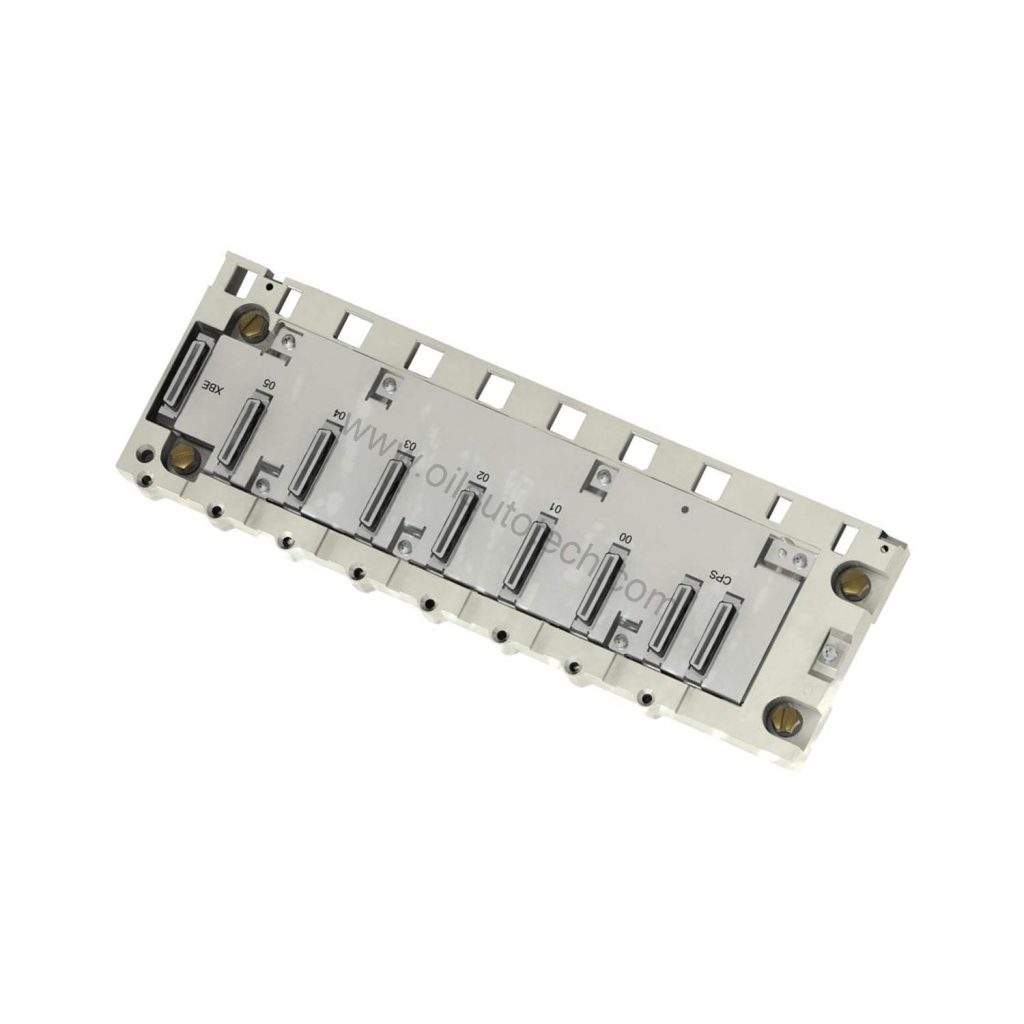
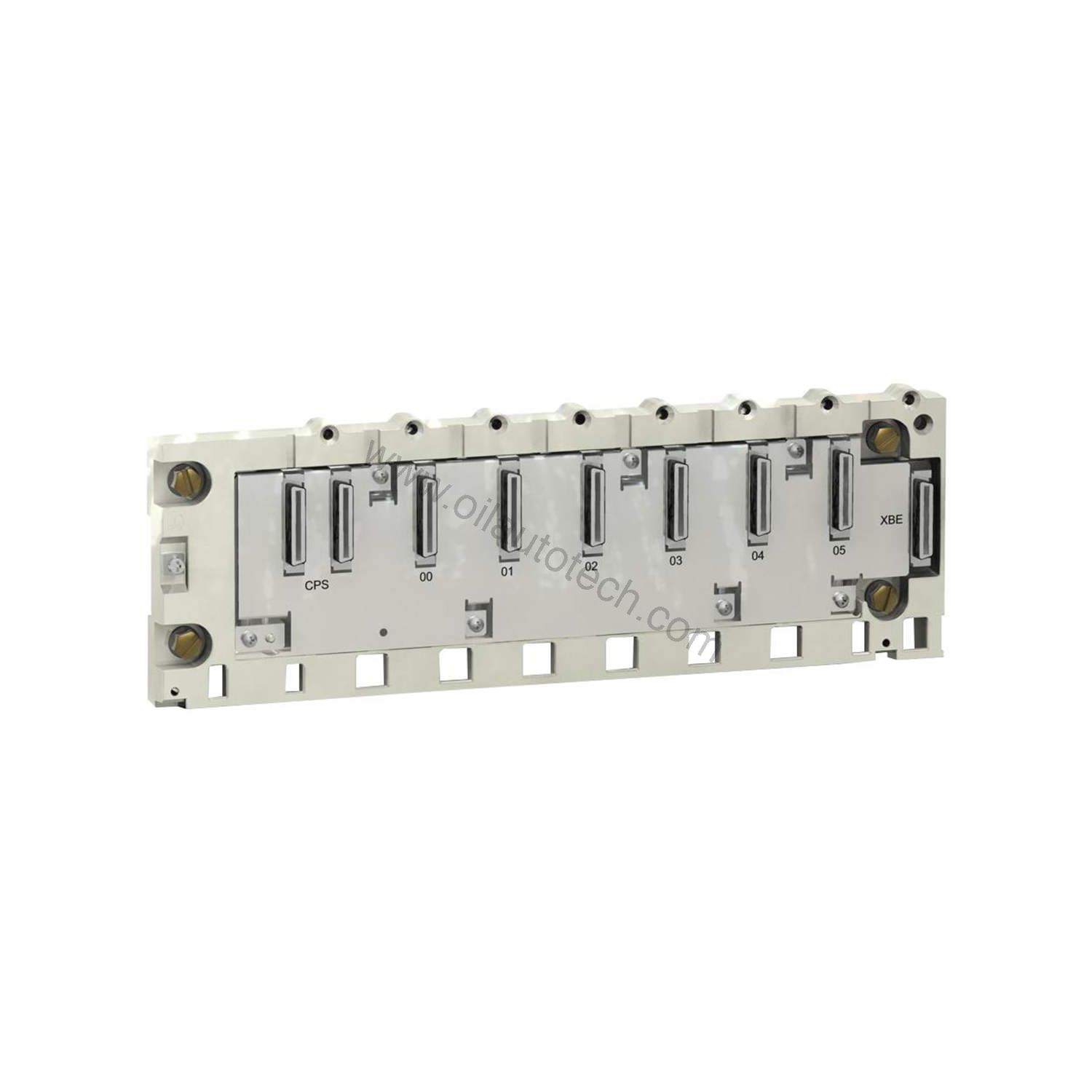
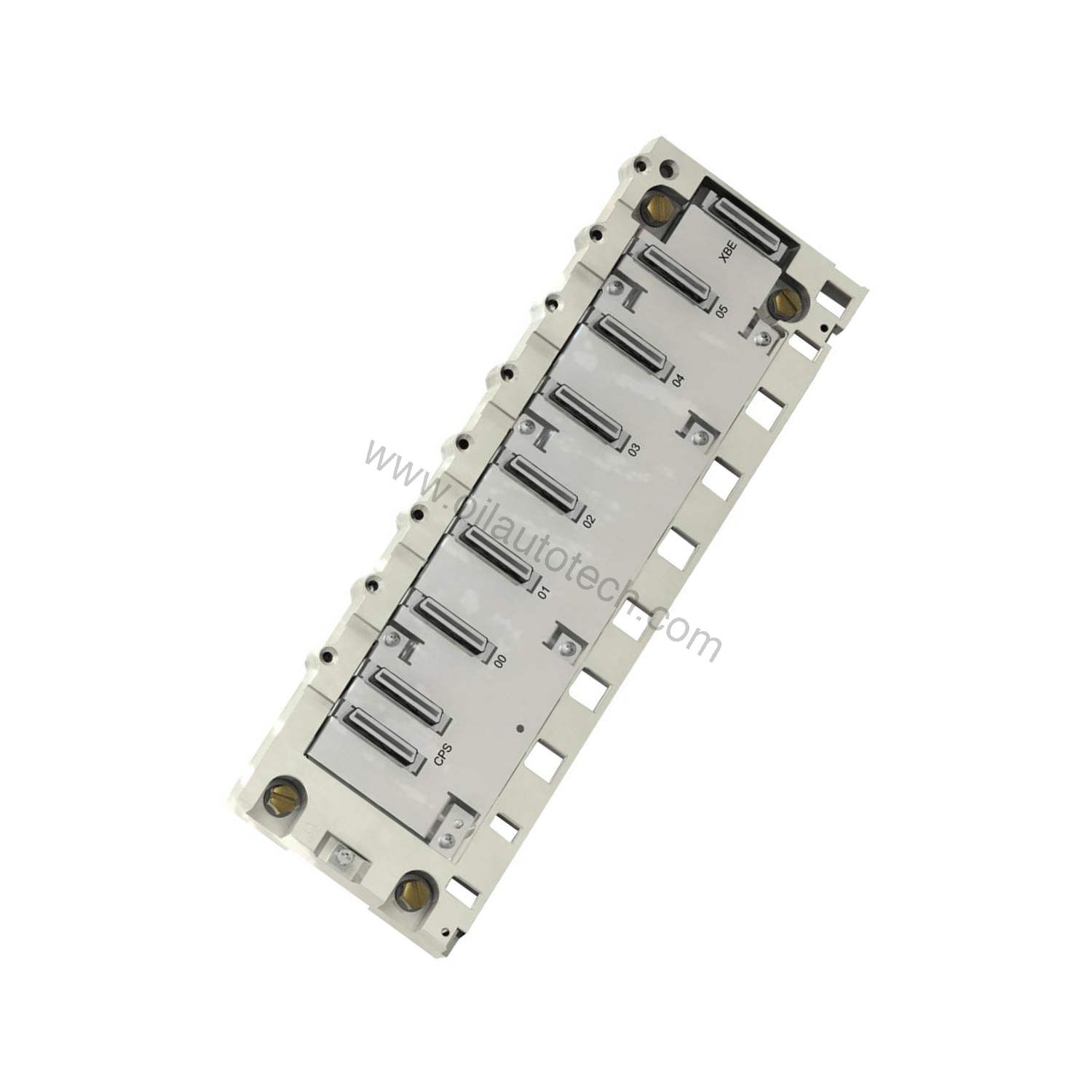
Installation follows a fixed rule. The module sits in the right-end XBE slot of the rack. It occupies that one XBE slot only. Slots 00 through 11 remain fully available for I/O modules. For system integrators planning dense configurations, this is a real advantage. You gain rack expansion capability without sacrificing usable I/O positions.
Key Technical Parameters
| Specification | Value |
|---|---|
| Model | BMXXBE1000 |
| Brand | Schneider Electric |
| Series | Modicon X80 |
| Type | X-bus expansion module |
| Function | X-bus connection between multiple racks |
| Installation | Right-end XBE slot (does not occupy slots 00-11) |
| Connectors | 2× 9-pin SUB-D (X-bus in/out) |
| Indicators | RUN, COL, rack address LEDs (0-3) |
| Operating temperature | 0°C to +60°C |
| Storage temperature | -25°C to +70°C |
| Relative humidity | 5% to 95% (non-condensing) |
| Protection rating | IP20 |
| Dimensions (H×W×D) | 100 × 28 × 93 mm |
| Weight | 0.10 kg |
| Slot occupation | 1 (XBE slot) |
Where This Module Fits Best
Distributed Control Cabinets
Large process plants often spread I/O across several cabinets. The BMXXBE1000 connects those racks over the X-bus, keeping wiring runs short and organized. Because the module uses standard 9-pin SUB-D connectors, technicians can route bus cabling with familiar hardware.
M340 to M580 Migration Projects
Angle D applies directly here. When a facility upgrades from an M340 platform to an M580 controller, the shared Modicon X80 I/O platform protects the existing investment. The BMXXBE1000 remains valid across both families. You replace the controller, keep the racks, and retain the expansion modules. That continuity lowers migration cost and shortens engineering time.
Compact Machine Retrofits
Machine builders adding a second rack to an existing panel benefit from the small footprint. At 100 × 28 × 93 mm and just 0.10 kg, the module adds minimal depth and weight. The IP20 rating suits clean, controlled enclosures typical of panel-mounted automation.
Installation and Setup Guidance
Mount the module in the right-end XBE slot of the rack. Confirm the rack address LEDs show the intended address from 0 to 3. Connect the X-bus cables to the two 9-pin SUB-D connectors, observing in and out direction. Check the RUN and COL indicators after power-up. A stable RUN indication and correct rack addressing confirm the bus link is established. Follow Schneider Electric’s official installation documentation for torque values and cable routing.
Maintenance and Long-Term Reliability
This module has no moving parts, so wear is minimal. Inspect the SUB-D connectors periodically for bent pins or loose retention. Verify cabinet temperature stays within the 0°C to +60°C operating range. Keep humidity within 5% to 95% non-condensing to avoid condensation on the contacts. Check the rack address LEDs during routine rounds; an unexpected address change signals a configuration issue worth investigating early.
For spare-parts planning, the active lifecycle status supports long-term stocking decisions. The platform is shared between M340 and M580, so a single spare covers multiple controller installations on site.
Compatibility and Integration Notes
The BMXXBE1000 belongs to the Modicon X80 range, the shared I/O platform for M340 and M580. It integrates at the rack level through the X-bus, not through an open fieldbus. That means it works alongside the racks and I/O modules of those controller families. Verify your rack model and slot layout before ordering, since the module requires the right-end XBE slot.
What to Verify Before You Buy
Confirm three things. First, your rack provides a right-end XBE slot. Second, your architecture uses the Modicon X80 platform with M340 or M580 controllers. Third, your cabinet environment matches the IP20 and temperature limits. SpareTechPLC supplies this module and can help confirm compatibility with your existing rack configuration. Please verify current lifecycle status and availability with SpareTechPLC before ordering.
Frequently Asked Questions
Does the BMXXBE1000 use any of slots 00-11?
No. It installs in the right-end XBE slot and occupies only that one slot. All slots 00 through 11 stay free for I/O modules.
Which controllers support this expansion module?
It serves the Modicon X80 platform, the shared I/O platform for M340 and M580 controllers.
What do the front LEDs tell me?
The module provides RUN and COL indicators plus rack address LEDs numbered 0 to 3. They help confirm bus status and rack addressing during commissioning.
What connectors does it use?
Two 9-pin SUB-D connectors provide the X-bus in and out connections.
What is the operating temperature range?
The module operates from 0°C to +60°C and stores from -25°C to +70°C.